
Import, export and back up your data
Your data belongs to you. In the web app you bring it in, take it out and back it up.
Import hive cards
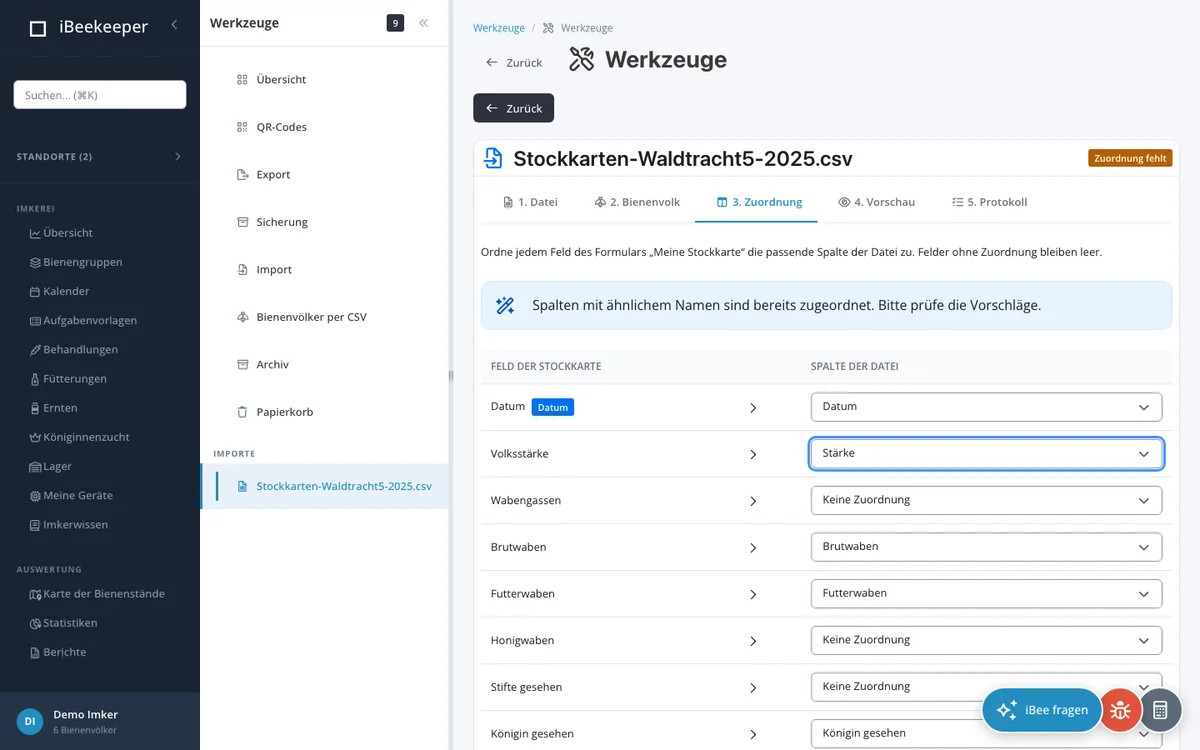
Under “Tools” you read in hive cards from a spreadsheet, for example from another program's export. CSV, XLS and XLSX are supported. You choose the colony, map the columns to the fields of your hive card and check the preview before you start the import. In the log you can also undo an import.
You can create many colonies at once with a CSV file.
Export
You export your data as CSV, JSON or ZIP.
Backing up your account
You create a backup of your account yourself, with images and documents if you like, and restore it when needed.
Archive and trash
Colonies that no longer exist can be archived instead of deleted during the trial period and with a package. You open the archive and trash in the web app under “Tools” and restore colonies from there.